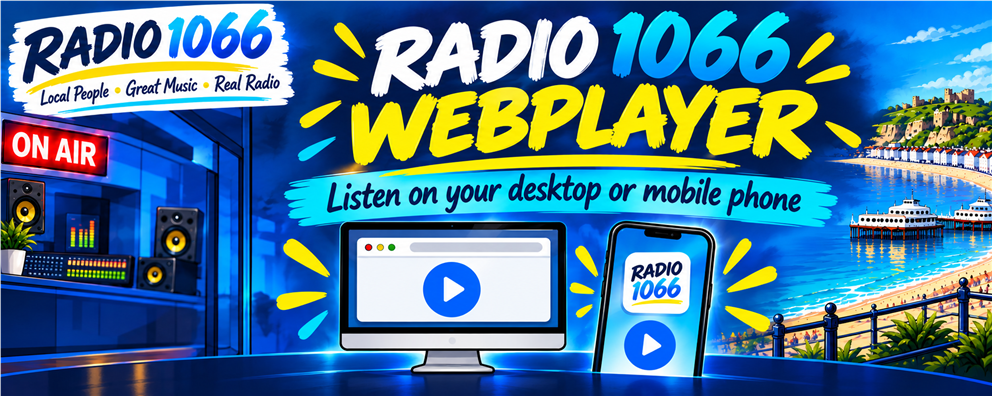
You do not need any skill to put a our Webplayer button on you desktop or Mobile Webplayer. It's so easy to use, very un-cluttered, and can be opened on your desktop PC as a pop-up player, so you can continue browsing the Internet. On your mobile phone, you can add the player button to your home screen, and here's how:
Iphone
(must be done using Safari...)
Open Safari (browser)
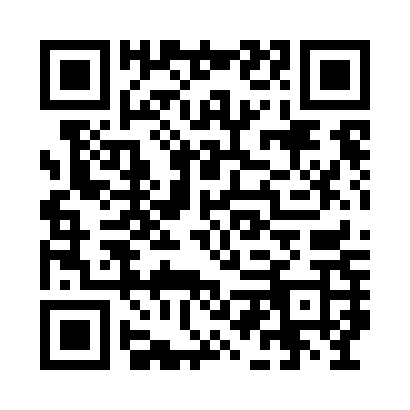
go to : https://radio1066.uk/player.html
Click the "Share" icon (bottom of screen, square with arrow pointing up)
Scroll down and select "Add to Home Screen"
Click "Add"
Android
(must be done using Chrome or Edge...)
Open browser
go to : https://radio1066.uk/player.html
Click the menu icon (top right, three vertical dots)
Select " to Home Screen"
Click "Add"
You should now have a new icon on your home screen, that when clicked, will open the webplayer. It will behave as an App, and stay running when you go and do other things...


PRS:LC-005637 PPL,AC: C-002607